Bolt: what you see before signing up, and what it costs
November 11, 2026
Bolt is a service that builds apps and websites while you chat with an AI. The home page headline reads "What will you build today?" and the line below it says "Create stunning apps & websites by chatting with AI." It describes its coding agent as the most powerful one available. It says Bolt picks a suitable model for each job and that hosting, a database, user management, and authentication are built in.
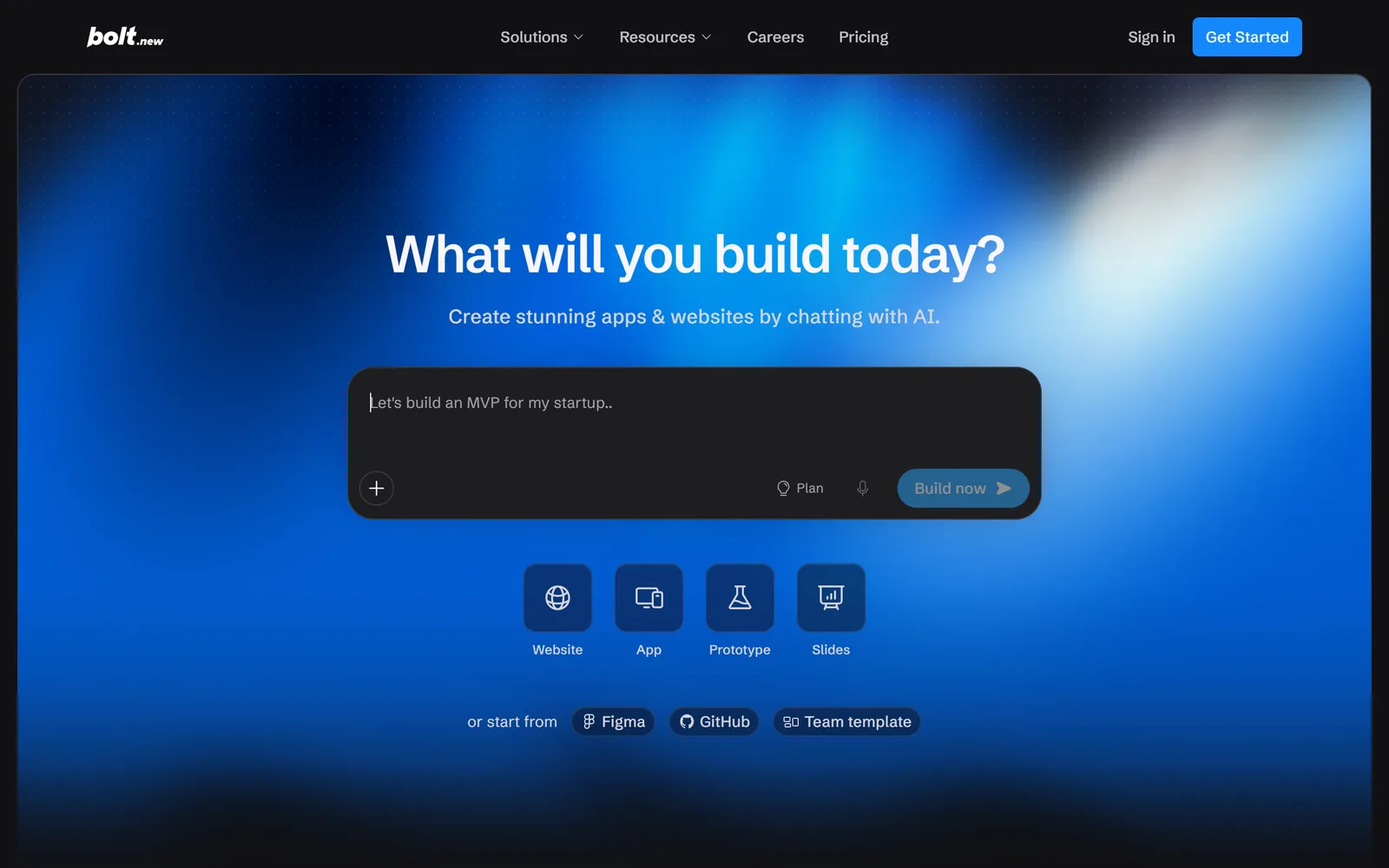
The prompt box opens without an account
Go to bolt.new and the home page opens with no login. No cookie window came up. The prompt box sits in the middle. Inside it, along the bottom, are a "Plan" button, a microphone, and a "Build now" button. Four buttons let you pick what you're building: Website, App, Prototype, and Slides. Under them, the text "or start from" is followed by Figma, GitHub, and Team template.
Asking for a bakery order page
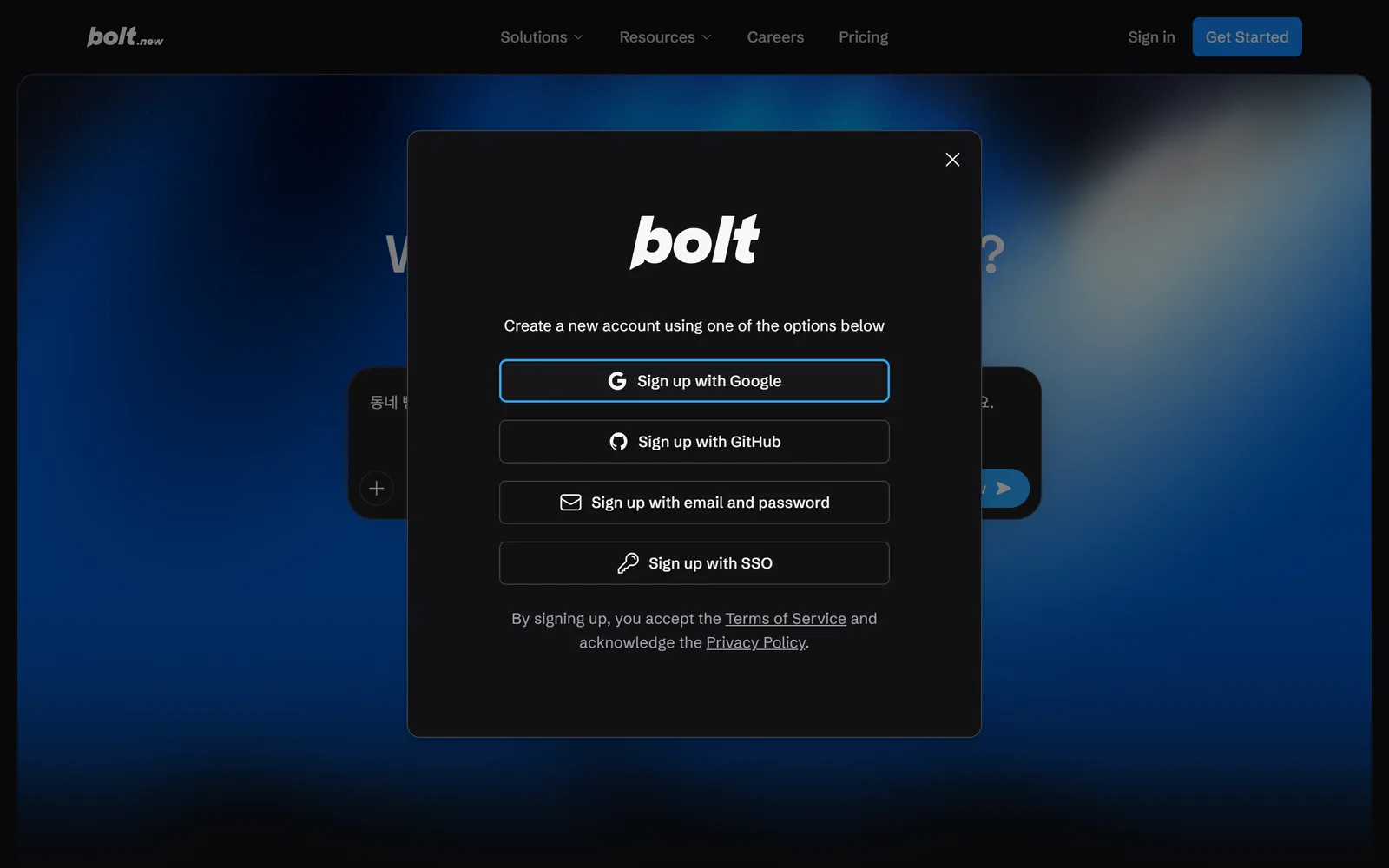
We typed a prompt in Korean. In English it reads: "Make an order page for a neighborhood bakery. Show five kinds of bread, a way to pick quantities, and the order total." Then we pressed Build now. A sign-up window came up right away. Under "Create a new account using one of the options below" were four options: Google, GitHub, email and password, and SSO. At the bottom, a sentence says that by signing up you agree to the terms of service and acknowledge the privacy policy.
So Bolt asks you to sign up before it builds anything. We didn't create an account and stopped there.
What it costs
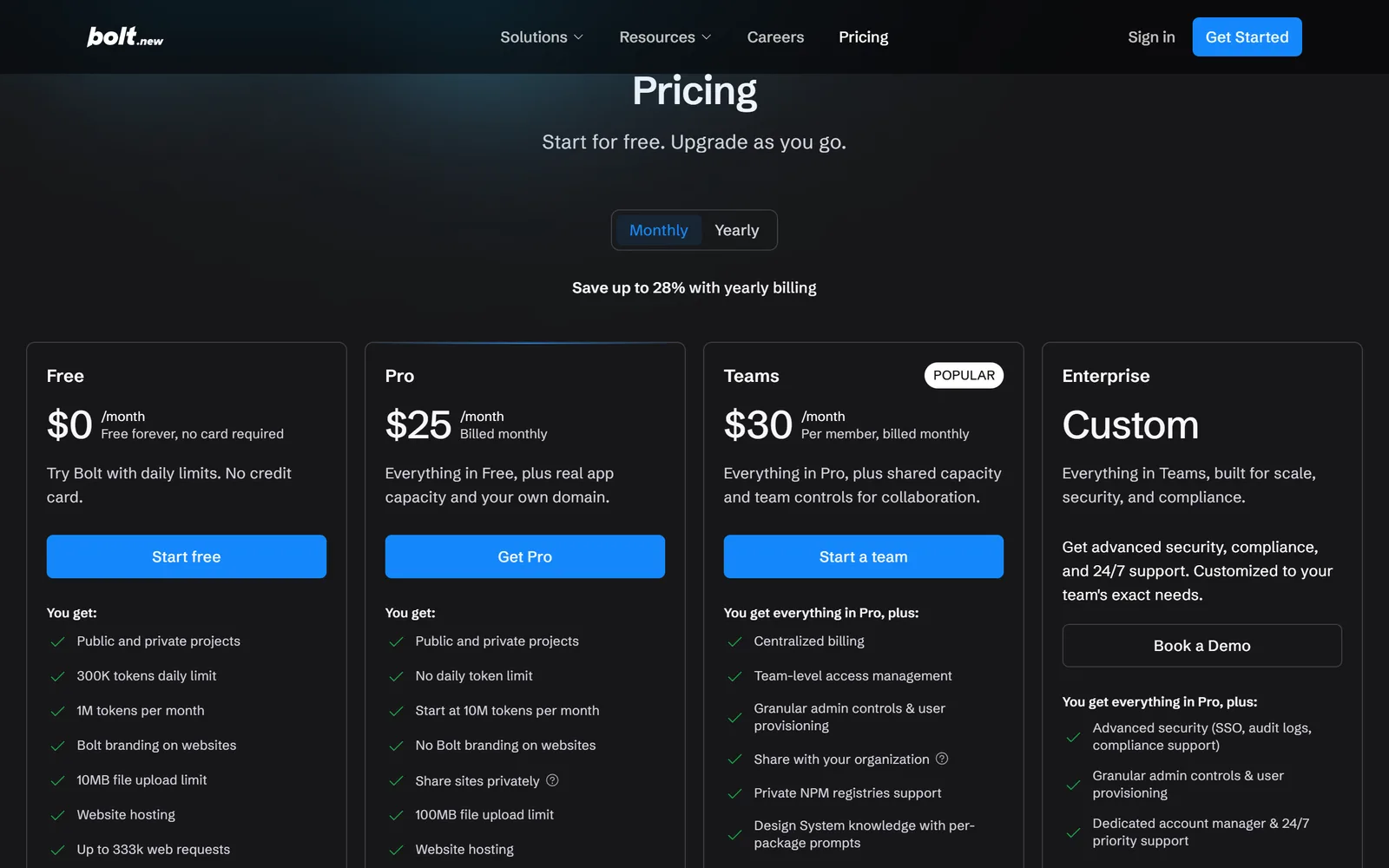
These are the prices on the official pricing page as of November 11, 2026. They're shown in US dollars. The page opens on "Monthly," and pressing "Yearly" shows the yearly price.
| Plan | Month | Year | Monthly if paid yearly |
|---|---|---|---|
| Free | $0 | $0 | $0 |
| Pro | $25 | $216 | $18 |
| Teams (per person) | $30 | $324 | $27 |
| Enterprise | Custom | Custom | Custom |
Enterprise shows "Custom" where the price would be, with a button to request a demo. On the yearly cards, the monthly price times twelve ($300 for Pro, $360 for Teams) appears struck through next to the yearly price, along with the text "Save up to 28%." For Pro, 216 divided by 300 is 0.72, which matches a 28% discount.
Here are the main items listed on each card.
- Free: public and private projects, a daily limit of 300K tokens, 1M tokens a month, a Bolt badge on your website, 10MB file uploads, website hosting, up to 333K web requests, and no limit on the number of databases
- Pro: everything in Free, plus no daily token limit, 10M tokens a month and up, no Bolt badge, private sharing of your site, 100MB file uploads, up to 1M web requests, rollover of unused tokens, custom domains, stronger SEO, more database storage with a choice of provider, and AI image editing
- Teams: everything in Pro, plus centralized billing, team-level access management, admin settings, sharing within an organization, and private NPM registry support
- Enterprise: advanced security including SSO and audit logs, a dedicated contact with 24/7 priority support, custom workflows and integrations, and an SLA
The pricing page doesn't mention VAT.
How tokens are counted
A token is the unit Bolt uses to count how much work it does on your project. Tokens are used when it reads your prompts and project files, when it plans, and when it writes code. Each plan includes a monthly allotment, and the page says you can check what's left on the Billing & usage screen.
Free gets 1M tokens a month and up to 300K a day. Unused tokens don't carry over to the next month. On paid plans, unused tokens last up to two months while the subscription continues. Even on yearly billing, tokens are refilled once a month, and unused tokens last up to two months from the day you got them. Yearly billing means you pay for a full year up front in exchange for a lower price.
Teams is priced per person, and each paid member gets a monthly token allotment. Tokens can't be shared between members. You can add free members too, but they have no tokens, so they can view team projects without sending prompts.
You can cancel anytime. Your plan and unused tokens stay until the current billing period ends, and then the account moves to Free. Before the cancellation takes effect, you can undo it. Upgrading applies right away, and downgrading takes effect from the next billing date. On yearly billing, that date is the yearly renewal date.
Where to stop and start paying
What you can see without signing up is the home page, the prompt box, and the pricing page. Pressing Build now brings up the sign-up window first. So a first build goes on Free. Whether the amount Bolt builds within 1M tokens a month and 300K a day fits what you want to make is something you find out by using it, checking the remaining tokens on the Billing & usage screen.
When you move up to Pro, the differences on the card are the thing to go by. The daily limit goes away, the monthly tokens start at 10M, the Bolt badge comes off your website, and you can connect your own domain. The moment you need one of those is when paying makes sense. If you only plan to try it for a month, work from $25 a month. If you'll be using it for a long time, look at $216 a year ($18 a month).
Getting more out of it
The pricing page opens on monthly, so Pro shows as $25. Pressing "Yearly" changes it to $18 a month, but that's the monthly figure when you pay for a full year up front.
Teams is priced per person, and tokens come separately for each person. Two people on monthly billing pay $60 a month, with separate tokens each.
Free tokens don't roll over, so decide what you want to build within the month before you start. On a paid plan, note that unused tokens last up to two months.
Sources (checked November 11, 2026)
- Bolt: home page and sign-up window
- Bolt pricing: prices, features, FAQ