Kling AI makes video and images: free tier and prices
November 5, 2026
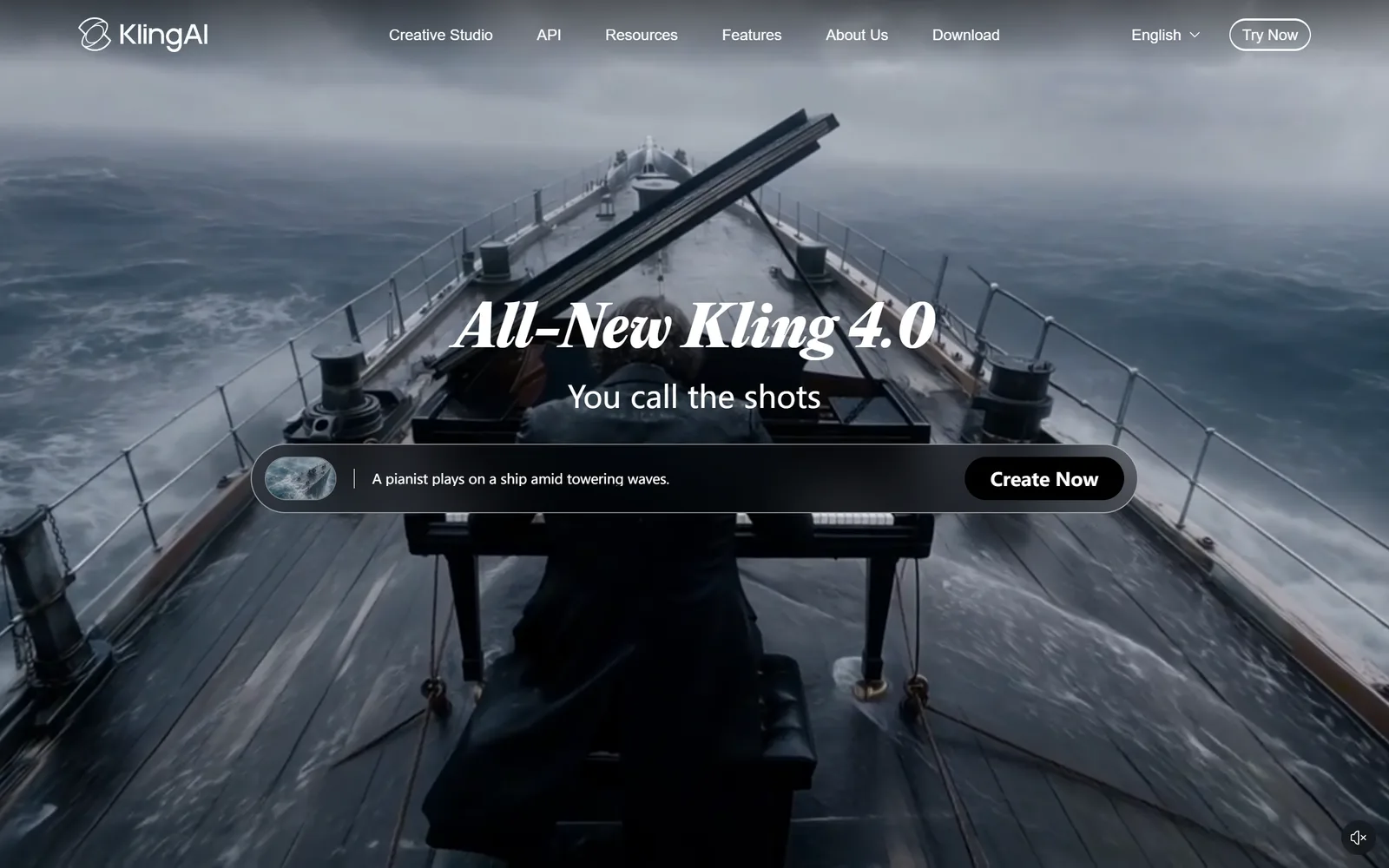
Kling AI is a service that turns text or images into video and images. The address is kling.ai, and klingai.com redirects there. The home page runs the headline "All-New Kling 4.0" with "You call the shots" beneath it. The video model Kling 4.0 is pitched on stable motion and video with sound, and the image model Kling Image 3.0 on native 4K generation. The top menu lists Creative Studio, API, Resources, Features, About Us, and Download. All the on-screen text was in English.
Typed a prompt in the app and pressed Generate
The app (kling.ai/app/) opened with no login. The input box in the middle invites a scene description, or images, video, subjects, and voices uploaded as references, and says "@" calls up anything uploaded. Below the box sit buttons named "Video Generation," "Kling 4.0," and "Omni reference," a settings button reading "720p · 5s · 16:9 · 1," and a green "Generate" button. The left menu has Explore, Assets, Omni, Generate, Canvas, and All Tools.
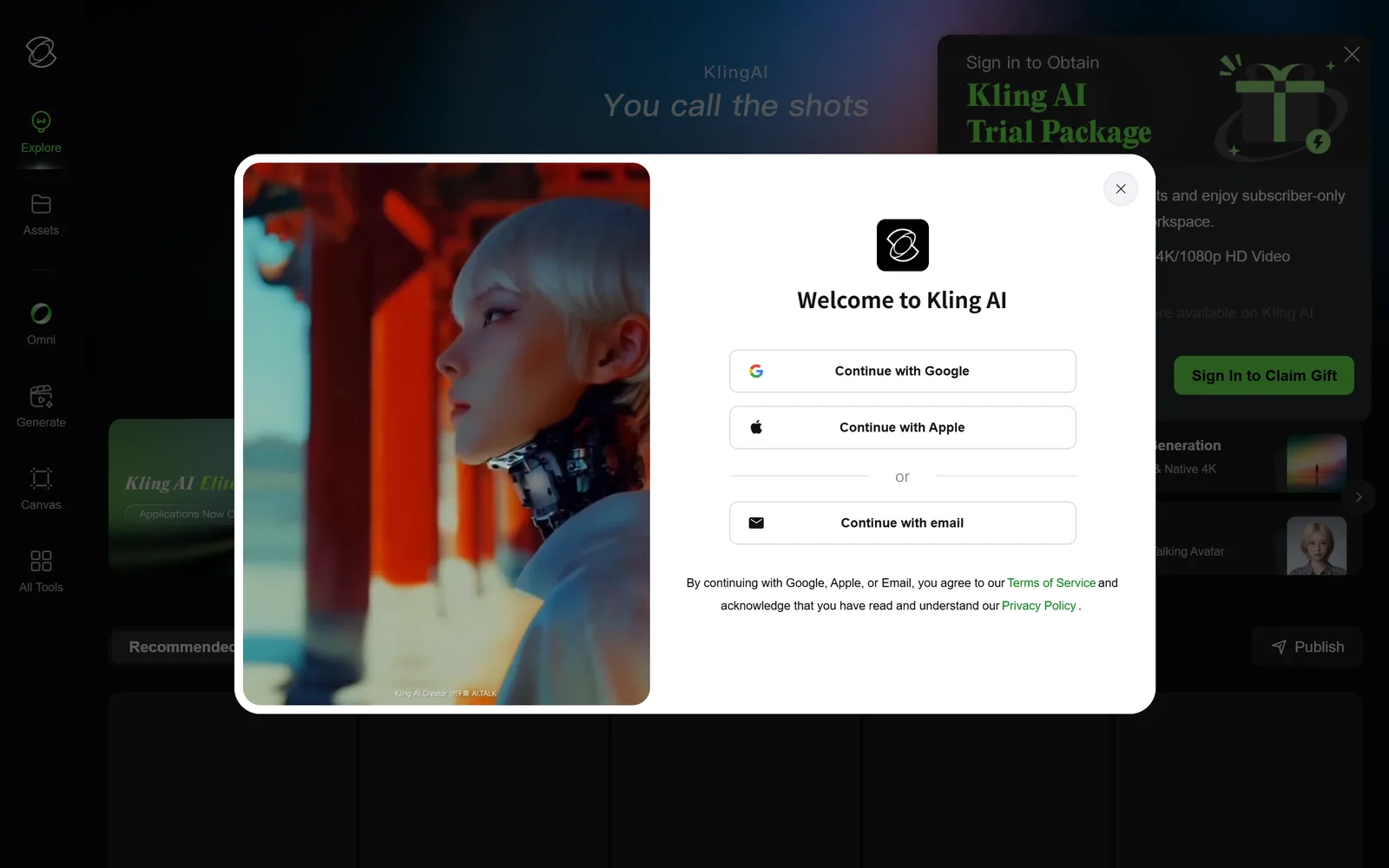
The prompt typed into the box was a Korean sentence meaning "One paper boat floating in a puddle on a morning after the rain. Soft morning light." After Generate was pressed, a "Welcome to Kling AI" window appeared. It asked to continue with Google, Apple, or email, and the top right showed a note reading "Sign in to Obtain Kling AI Trial Package." No account was created, so there is no generated result.
What it costs
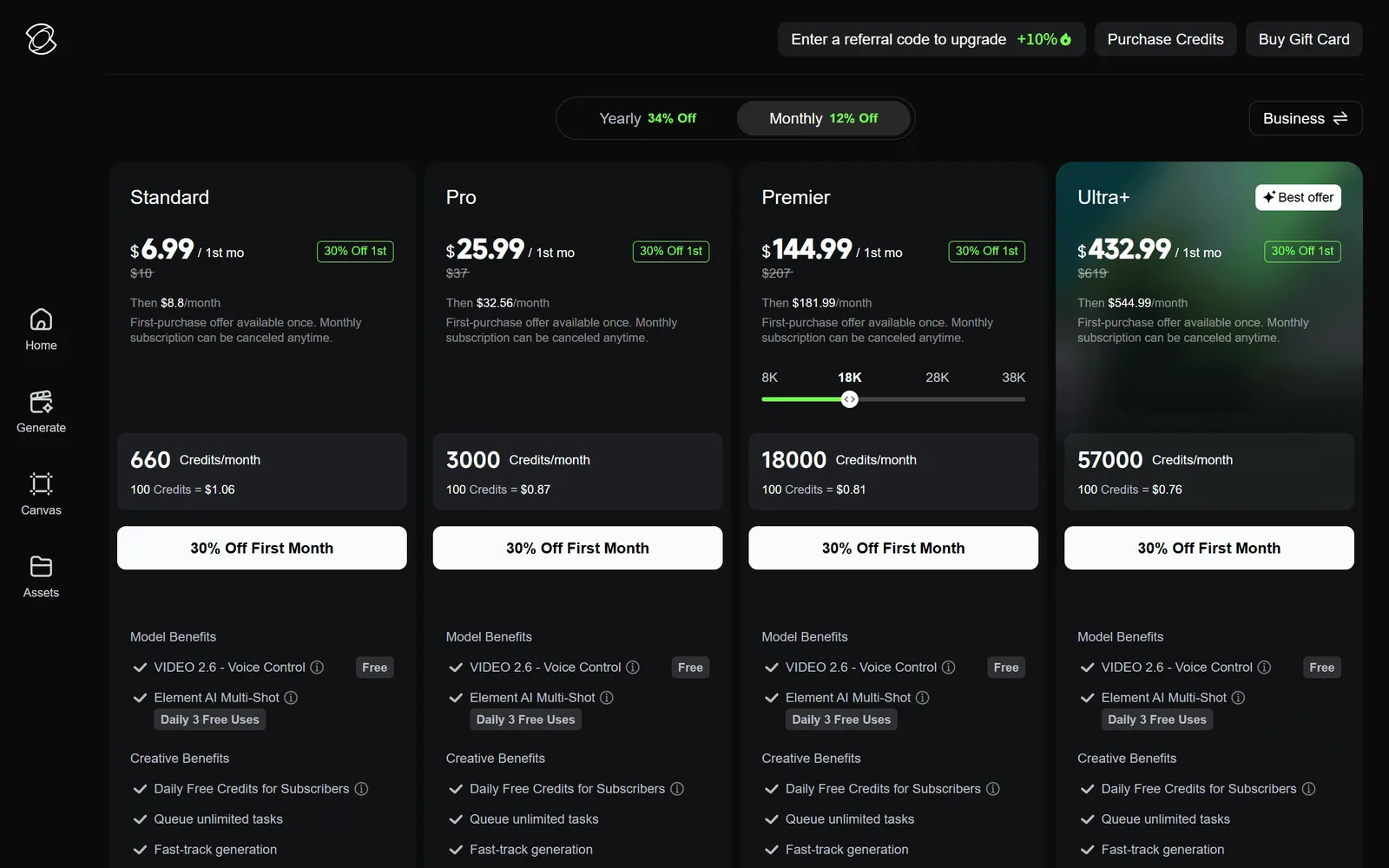
These are the prices on the official pricing page as of November 5, 2026, shown in US dollars. The page opens with "Monthly" selected and a "12% Off" tag beside it, and "Yearly" carries a "34% Off" tag. Runway and Suno open on yearly billing by default. Kling opens on monthly.
The cards at the top are Standard, Pro, Premier, and Ultra+, with a "Best offer" band on Ultra+. Monthly billing comes with a first-month discount. The cards show "30% Off 1st," along with a note that it applies once, to a first purchase, and that a monthly subscription can be canceled at any time.
| Plan | First month | From month 2 | Per month, billed yearly | Per year |
|---|---|---|---|---|
| Standard | $6.99 | $8.80 | $6.60 | $79.20 |
| Pro | $25.99 | $32.56 | $24.42 | $293.04 |
| Premier | $144.99 | $181.99 | $136.67 | $1,639.99 |
| Ultra+ | $432.99 | $544.99 | $408.58 | $4,902.99 |
The "Per month, billed yearly" column is not on the official page. It is the yearly price divided by 12, worked out for this post. Monthly credits on the monthly cards are as follows.
| Plan | Credits per month |
|---|---|
| Standard | 660 |
| Pro | 3,000 |
| Premier | 18,000 |
| Ultra+ | 57,000 |
Premier has a slider for the credit tier, with 8K, 18K, 28K, and 38K to choose from, and it starts at 18K. The monthly cards also show struck-through prices: Standard $10, Pro $37, Premier $207, and Ultra+ $619. In the comparison table, the struck-through yearly prices are Standard $120, Pro $444, Premier $2,484, and Ultra+ $7,428.
The free plan (Basic) is not among the top cards. It appears only in the comparison table below, as "$0 Free." In that table, the Basic column shows "-" for monthly credits, 1080p and 4K video generation, 4K image generation, image upscaling, watermark removal, and commercial use. The number of videos made at once is 1 on Basic and 4 on the other plans.
Some lines are shared across the cards. "VIDEO 2.6 - Voice Control" is free, and "Element AI Multi-Shot" is free three times a day. Subscribers get daily free credits, an unlimited task queue, "Fast-track generation," 1080p and 4K video generation, and watermark removal. From Pro up, early access to new features is listed.
How credits behave
The FAQ describes credits as a virtual currency spent on generation. The amount deducted depends on the number of outputs, the model, the length, and the resolution. Credits cannot be transferred to another person or exchanged for cash. Having credits does not bring subscription benefits with it. Features such as watermark removal and 4K generation are available only while subscribed, according to the page.
| Type | Valid for |
|---|---|
| Monthly credits | 31 days |
| Credits bought separately | 2 years |
| 7-day trial credits | 7 days |
| Subscriber daily bonus | Until midnight that day |
The subscriber daily bonus is granted at the first login of the day and expires at 24:00 local time. People without a subscription are also listed as receiving free credits each month when they log in, usable for 31 days. When a subscription ends, the remaining monthly credits are gone, and credits from outside the subscription stay if they are still within their validity period. Only one subscription can be held at a time. On the web, canceling goes through Profile, Manage Plan, then Cancel Subscription. A plan paid through Apple or Google Play is canceled in that store's subscription menu.
Where to stop using free and start paying
The app screen opened as far as the input box and the settings buttons without a login. Pressing Generate with text in the box brought up the sign-in window, and that is where this check stopped. The pricing page FAQ says free credits arrive each month at login, even without a subscription.
For paying, the monthly plan has a low first-month price. Standard is $6.99 for the first month and $8.80 from the second. For a one-month trial, the first-month price is the baseline. For ongoing use, the price from the second month is the one to look at. For a full year, yearly billing gives the lowest price per month.
Paying subscribers can use what they make commercially, except for developing a product or service that competes with Kling. The FAQ says legal checks such as likeness rights, copyright, and AI-generation labeling are up to the person using the output.
Getting more out of it
The page opens on monthly billing, so switch to "Yearly" to see the yearly prices. The first-month price on monthly billing can be used once, on a first purchase. For anyone who has already used it, the price from the second month is the one to calculate with.
The credits a generation costs vary with the number of outputs, the model, the length, and the resolution. Check how many credits one run takes with the settings planned, then work out how many runs the monthly credits cover.
Monthly credits expire after 31 days, so a month's usage is worth estimating up front. Ending the subscription also ends any monthly credits left over.
Sources (checked November 5, 2026)
- Kling AI: home page and product overview
- Kling AI pricing: plan prices, comparison table, credit rules, FAQ
- Kling AI app: app home screen and sign-in window