Napkin AI turns text into diagrams: free limits and prices
October 30, 2026
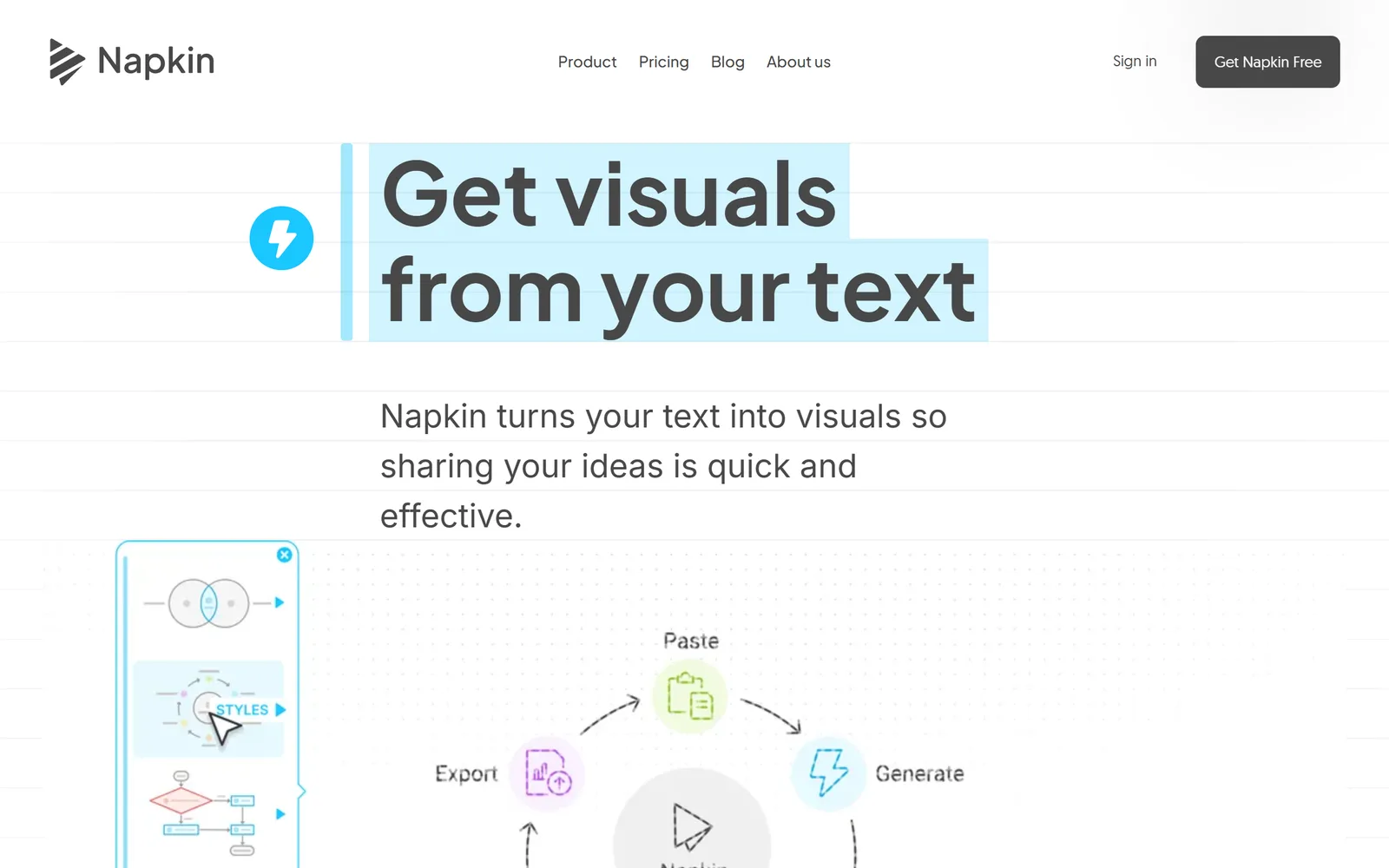
Napkin AI is a service that turns text into visuals. Its home page says it converts writing into diagrams, flowcharts, mind maps, infographics, and data charts, and that a Slides feature (in beta) builds whole presentation decks. The headline on the home page is "Get visuals from your text."
A sign-in screen comes first
The "Get Napkin Free" button on the home page and the "Sign up" and "Get Started" buttons on the pricing page all lead to a sign-in screen. It offers Google, email, or company single sign-on (SSO). We did not create an account, so everything below comes from the text on the official home page and pricing page.
The steps, as the home page lays them out
The home page describes four steps.
- Import or paste your text. "Forget prompting," the page says, because the text itself is the input.
- Click to generate visuals. Napkin produces the visuals that best fit the text, and you pick the one that expresses your idea. The FAQ says to click the Autospark icon.
- Polish it up. Colors, fonts, layouts, and icons can be changed, and individual elements can be reshaped.
- Take it anywhere. Export as .ppt, .png, .pdf, or .svg, or drop the visuals straight into PowerPoint, Google Slides, Keynote, or Notion.
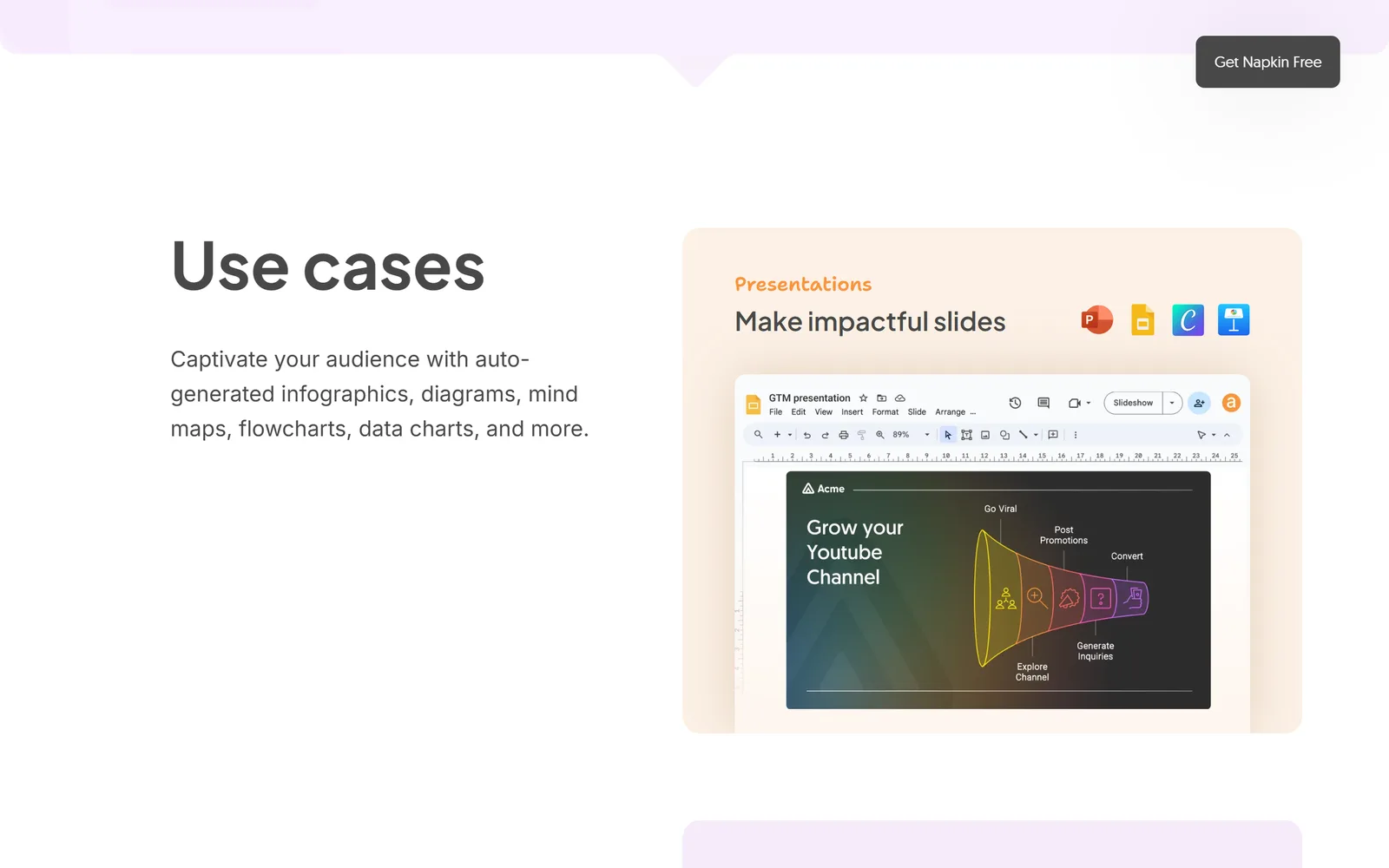
Four uses are shown: presentations, blog posts, social media, and docs. One example on the home page is a funnel diagram placed in a Google Slides deck.
Visuals can be created in more than 60 languages, whatever language the input is in. The interface comes in six: English, French, Spanish, Italian, Korean, and Portuguese. On a phone you can view existing work and create or edit presentations, but visual generation is not available on mobile yet, so the official FAQ says desktop is still the best place to create visuals.
What it costs
These are the prices on the official pricing page as of October 30, 2026, shown in USD. Prices are per person. Paying yearly is 25% cheaper than paying monthly, and the page opens with the yearly prices selected.
| Plan | Monthly | Per month, billed yearly |
|---|---|---|
| Free | $0 | $0 |
| Plus | $12 | $9 |
| Pro | $30 | $22 |
The page does not list a yearly total, so the table shows only the per-month figures.
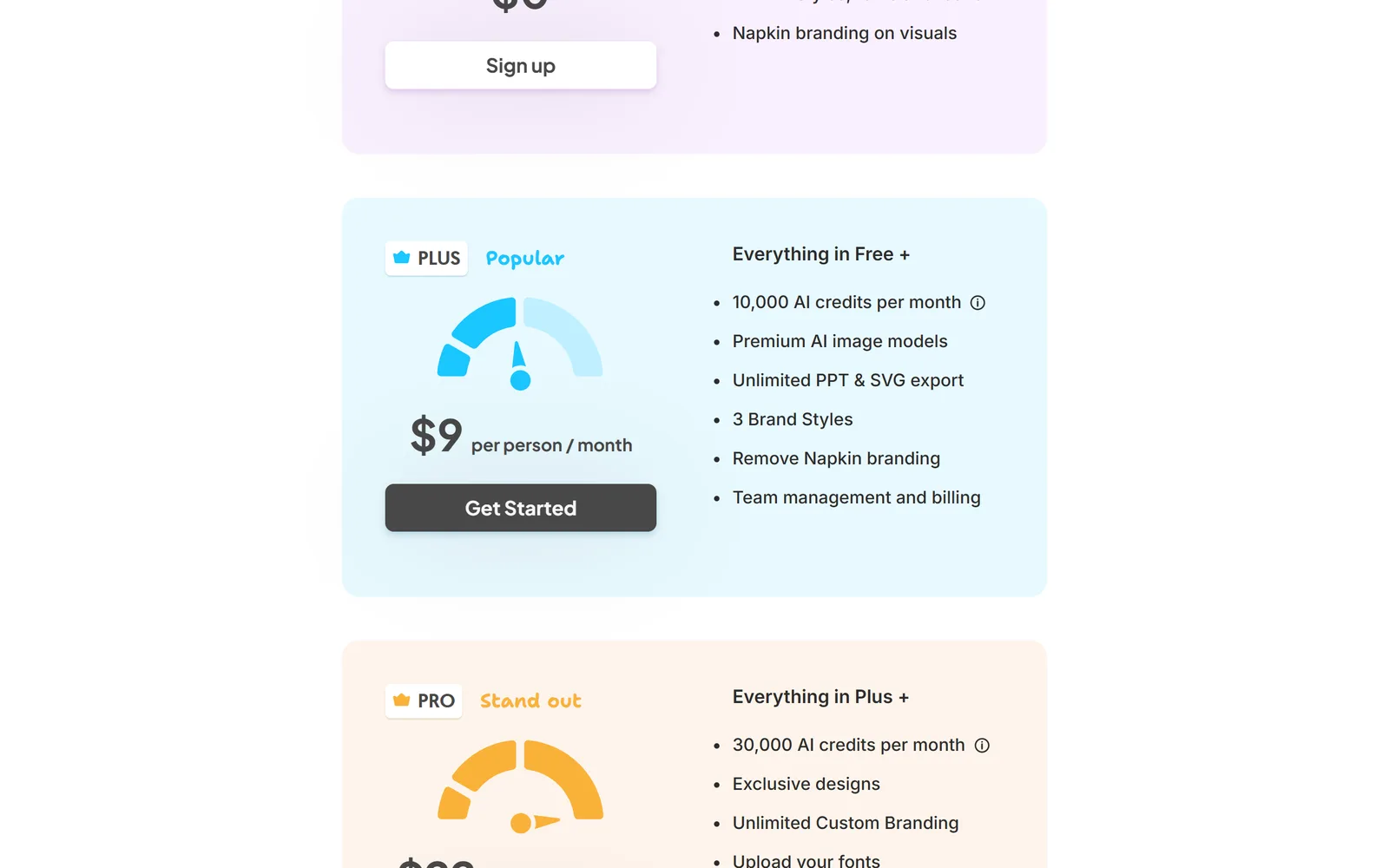
Here is what each plan lists.
- Free: 500 AI credits per week, unlimited visuals editing, unlimited file import (PPT, DOC, PDF, HTML, MD), unlimited PNG and PDF export, built-in styles, fonts, and icons. Visuals carry Napkin branding.
- Plus: everything in Free, plus 10,000 AI credits per month, premium AI image models, unlimited PPT and SVG export, 3 brand styles, removal of Napkin branding, and team management and billing.
- Pro: everything in Plus, plus 30,000 AI credits per month, exclusive designs, unlimited custom branding, uploading your own fonts, and optional credit top-ups.
Companies that want an Enterprise plan are told to contact Napkin.
How credits get used
Credits go down when visuals are generated. The pricing FAQ puts it this way: approximately 1 credit is charged per word selected for generation, and this may change in the future for more complex outputs or advanced features. Taken at its word, the free 500 credits a week works out to about 500 selected words. That division is ours, not a number printed on the page. When credits run out, you can move up to Plus or Pro, or buy more credits.
How far the free plan goes
Editing, file import, and PNG and PDF export are all unlimited on Free. The limit is on generating new visuals (500 credits a week), and the results carry the Napkin logo. Unlimited PPT and SVG export and logo removal are listed under Plus. There is no discount for nonprofits or students at the moment, and the page says the free plan is designed to cover most lightweight use.
Getting more out of it
Credits are charged by the word, so pasting only the paragraphs that need a visual stretches the weekly 500 further than pasting a whole article.
When a set of visuals comes back, compare them before settling on one. Anything you don't like can be changed by hand: colors, fonts, layouts, icons.
For diagrams going into a blog post or a document, the PNG and PDF exports on the free plan are enough. If you need PPT or SVG files, look at the Plus list.
On privacy, the pricing FAQ says that for self-serve accounts, Napkin may use anonymized interaction data to improve its AI, and that you can opt out in Account Settings. Enterprise customer data is not used to train Napkin's AI.
Prices and credit rules can change, so check the pricing page again before paying.
Sources (checked October 30, 2026)
- Napkin AI: home page and FAQ
- Napkin AI pricing: prices, plans, pricing FAQ