Notion AI: which plan includes it, and what it costs
November 13, 2026
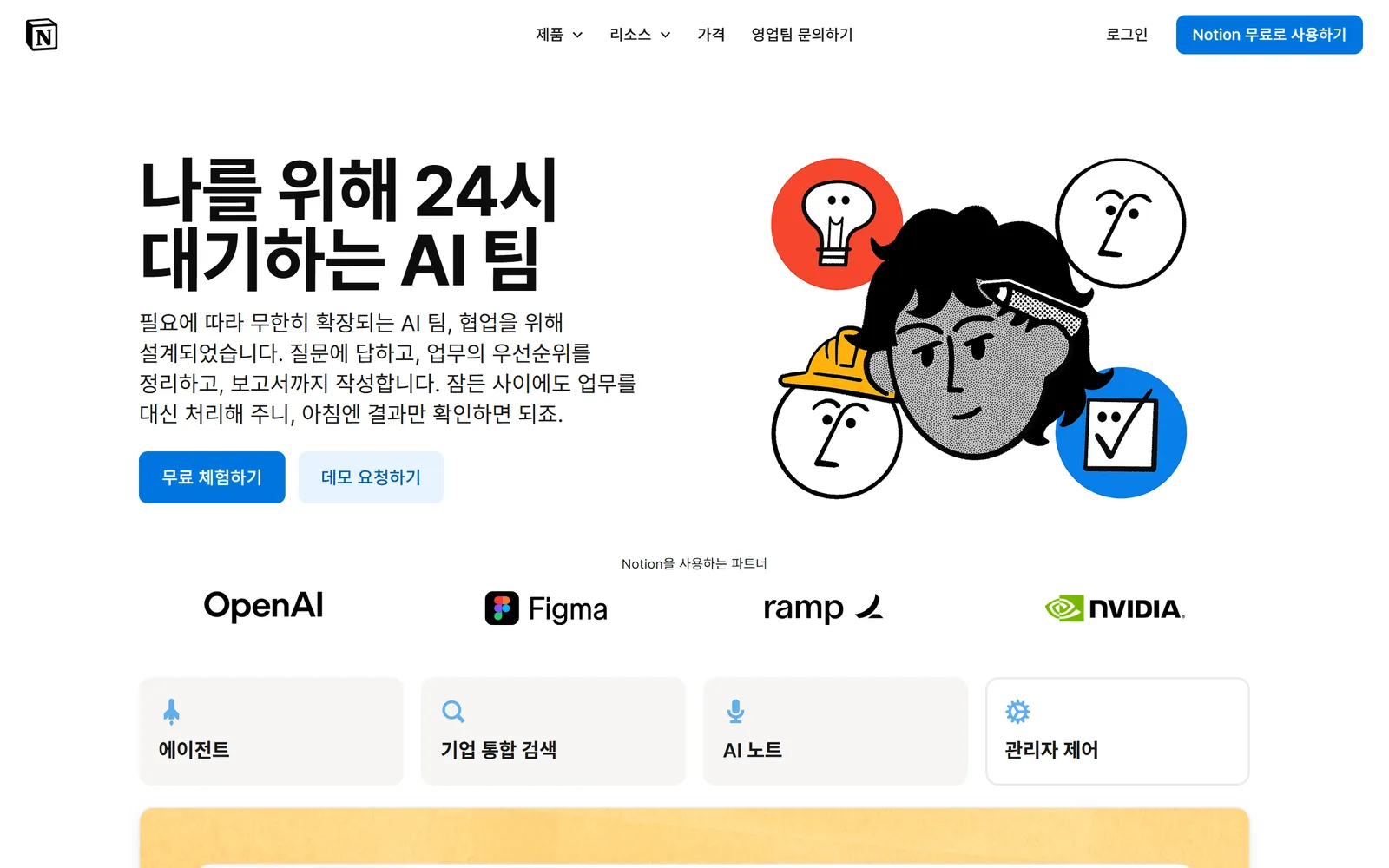
Notion AI is the AI built into Notion. You can call it from pages, docs, tasks, and databases. The headline on the official intro page reads, in Korean, "An AI team on call for you around the clock." The page says it answers questions, sorts out your priorities, and even writes reports. It also says the AI keeps handling work while you sleep, so in the morning you only check the results.
This was written without trying it
We didn't use Notion AI for this post. Opening notion.so/ai sends you to a login screen. The screen title reads "Your own AI workspace," with an email field under "Log in to your Notion account." The sign-in options are Google, ChatGPT, Apple, Microsoft, passkey, and SSO (single sign-on), side by side, and below them is "New here? Sign up." We didn't create an account, so we stopped there. Everything below comes from what the official intro page and pricing page say.
What the official intro lists
The intro page has four feature cards: agents, enterprise search, AI notes, and admin controls. The FAQ adds a description of custom agents.
- Agents: the page says a Notion agent can handle anything you can do in Notion. Reading and editing pages and databases through chat falls under this.
- Enterprise search: one search across information scattered over apps like Slack, Google Drive, and GitHub, with answers in seconds.
- AI notes: transcribes meetings and writes a summary organized around the work.
- Custom agents: handle recurring team tasks automatically. Set a trigger or a schedule and, per the page, they work 24 hours a day even when you aren't logged in. Answering Slack questions, routing tasks, and sharing project updates are the examples given.
The intro also mentions a research mode (detailed reports and summaries), AI blocks that polish text and draft inside a page, and database autofill and formulas. It says the product isn't tied to one model, and that context stays the same if you switch to another model or provider.
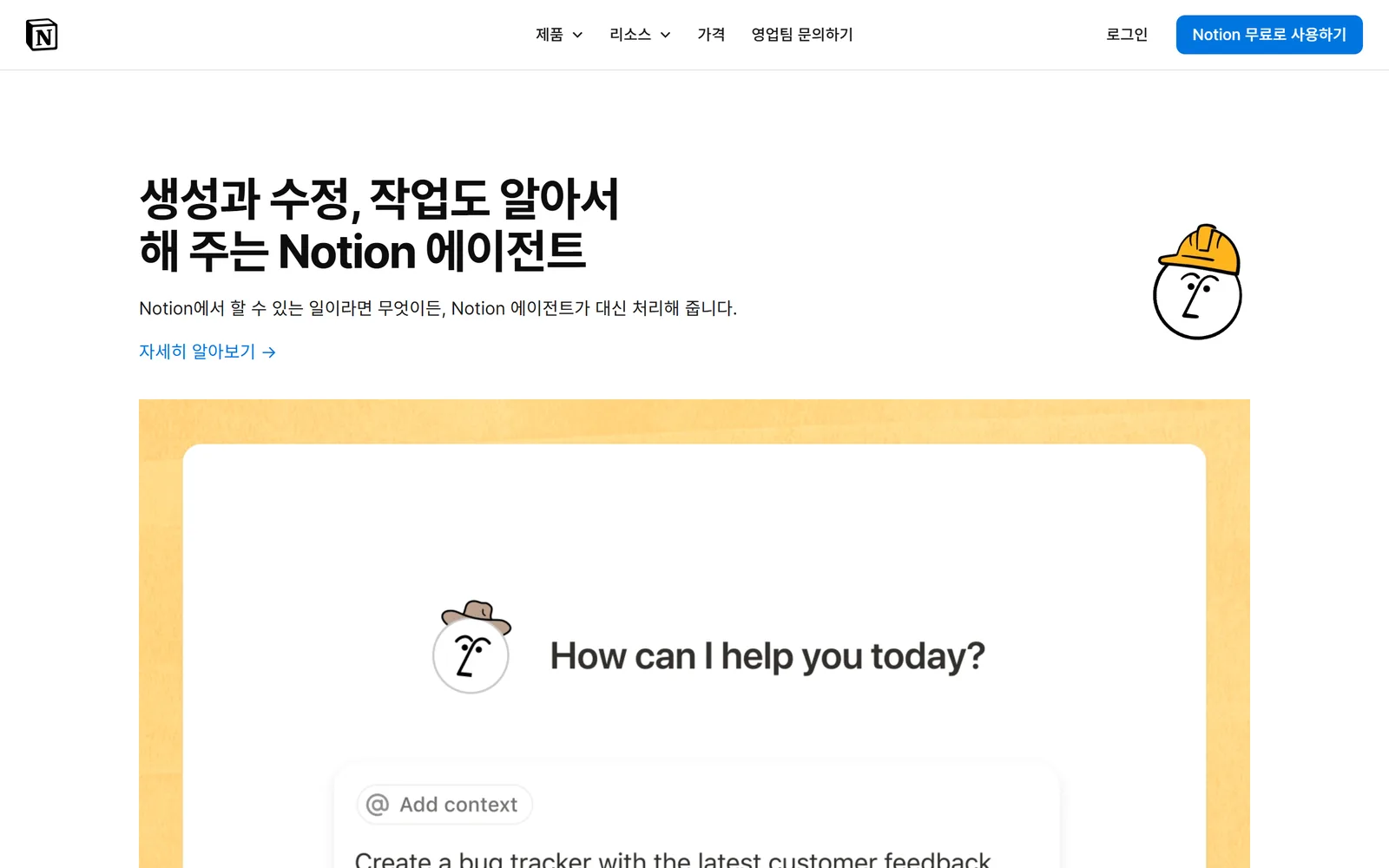
The agent example on the intro page is an input box in English. It's an example Notion shows, not a result from our own use.
On data, the page says this. Notion doesn't train models on your data unless you agree to a data-sharing request, and it has contracts with its AI data-processing vendors that bar them from using customer data for training. The page says data isn't stored by LLM providers, and is retained for 30 days unless you're an enterprise user.
What it costs
These are the prices on the official Korean pricing page as of November 13, 2026. They're in Korean won (KRW). Every price on the cards is per member, per month.
| Plan | Monthly billing | Per month, billed yearly | Per year, billed yearly |
|---|---|---|---|
| Free | 0 KRW | 0 KRW | 0 KRW |
| Plus | 16,800 KRW | 14,000 KRW | 168,000 KRW |
| Business | 36,000 KRW | 30,000 KRW | 360,000 KRW |
| Enterprise | Custom pricing | Custom pricing | Custom pricing |
The last column is the monthly price under yearly billing multiplied by 12. The page doesn't show a yearly total, so that number is our own arithmetic.
When you first open the page, yearly billing is already switched on, with a note beside it that reads "up to 20% off with an annual plan." Even with yearly billing selected, the price on each card is still a monthly price. Business carries a "recommended" label.
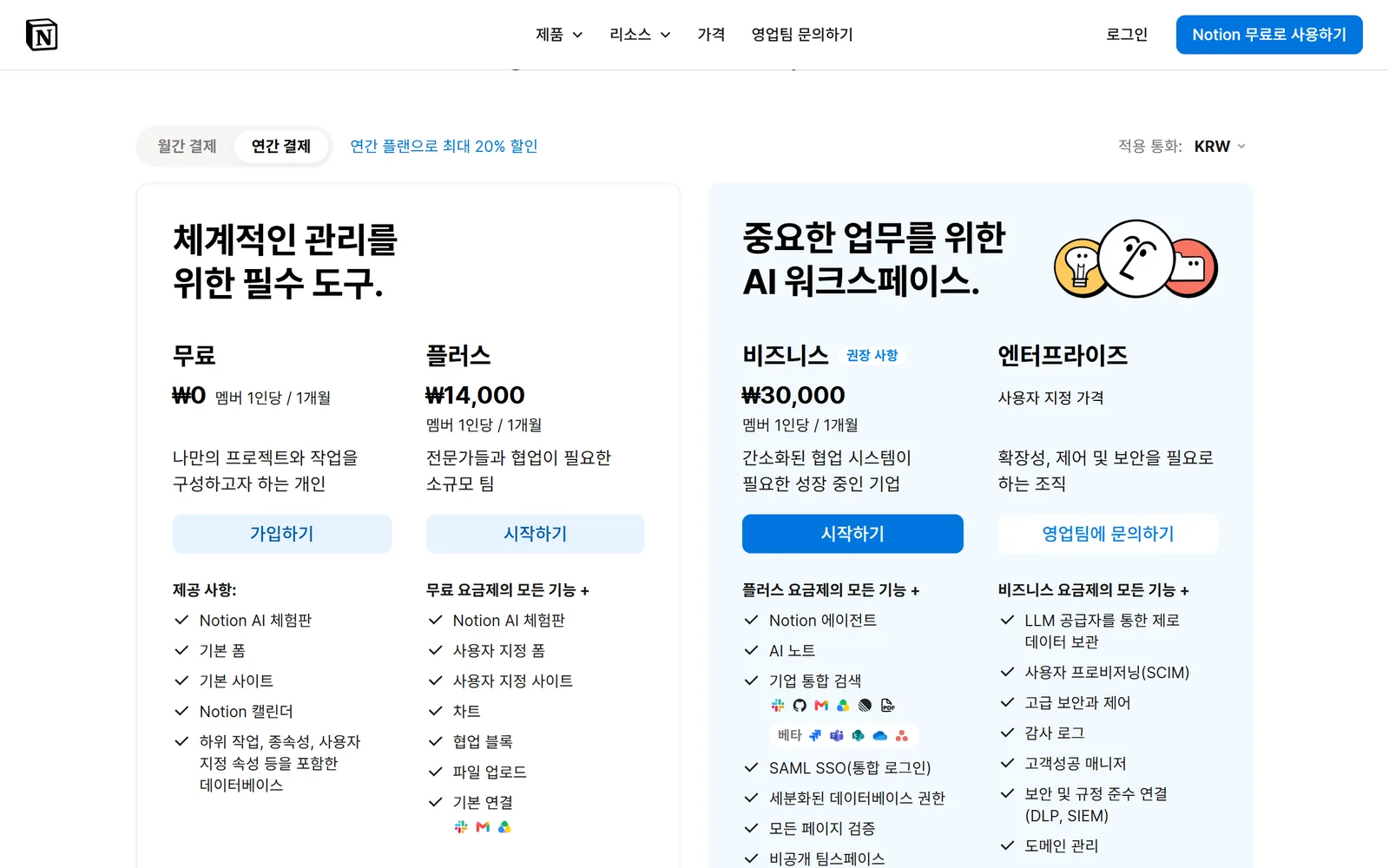
Here's how the page describes the plans. Free is for individuals organizing their own projects and tasks. Plus is for small teams that need to collaborate with other professionals. Business is for growing companies that need a streamlined collaboration system. File uploads are capped at 5 MB on Free and 5 GB on paid plans. The page says Plus is free for students and school staff who sign up with a school email. Subscriptions renew automatically until you cancel. If you downgrade and contact them within 3 days of signing up for monthly billing, or within 30 days for yearly billing, you get a full refund.
Which plans include AI
The official answer to the pricing question goes like this. Notion AI is included in the Business and Enterprise plans, with core features such as Notion agents, AI notes, and enterprise search. Workspaces on other plans can try it with limited trial usage.
The comparison table on the pricing page says the same. Agents (chat, generation, autofill, translation), meeting notes, and research mode (beta) are limited trials on Free and Plus. The page also says AI use may be temporarily restricted depending on usage. The Business card on the intro page lists 1,500 Standard credits and 500 Select credits per month.
Custom agents are counted separately. They run on Notion credits, and credits are an add-on for the Business and Enterprise plans. The pricing page says that after a free trial you can use them at 10 dollars per 1,000 Notion credits a month. That's the one price the won-denominated page still shows in dollars. Starting May 4, 2026, credits are used when a custom agent runs, and admins can buy extra credits. If credits run out, the agent pauses automatically until more are added.
How far to try it before paying
What we saw was the page up to the login screen. The official docs say that once you sign up, you can try agents, meeting notes, and research mode with limited trials on a Free or Plus workspace. Start by checking whether your work runs within that trial range.
There are two places where you start paying. If you need Notion agents, AI notes, or enterprise search, that's Business: 36,000 KRW with monthly billing, or 30,000 KRW a month with yearly billing. Running custom agents on top of that means Notion credits are charged separately. If all you do is tidy personal notes, first check how far the limited trials on Free and Plus get you.
Three things to watch
Don't work out the AI cost from the Plus price alone. On Plus, AI is a trial. The core AI features come with Business and up.
Yearly billing is switched on from the start, so to see monthly pricing you have to flip the toggle. The card price is a monthly price even when you pick yearly, so multiply by 12 to get the cost of a year.
Subscriptions renew automatically. A full refund is offered if you downgrade and contact them within 3 days (monthly billing) or 30 days (yearly billing). If you move up to a paid plan just to try it, put that date on your calendar.
Sources (checked November 13, 2026)
- Notion AI login screen: only as far as the redirect to the login screen
- Notion AI intro: feature overview and FAQ
- Notion pricing: prices by plan, feature comparison, FAQ