Suno turns text into songs: prices and download limits
November 2, 2026
Suno is a service that turns a text description into a song. Its home page says you describe the song you want (genre, mood, theme, or your own lyrics), press Create, and get a track with vocals, instruments, and production in under a minute. From there a song can be regenerated, extended, or refined, and no experience is needed. The same page names v6 as its newest model.
What happened on the home page
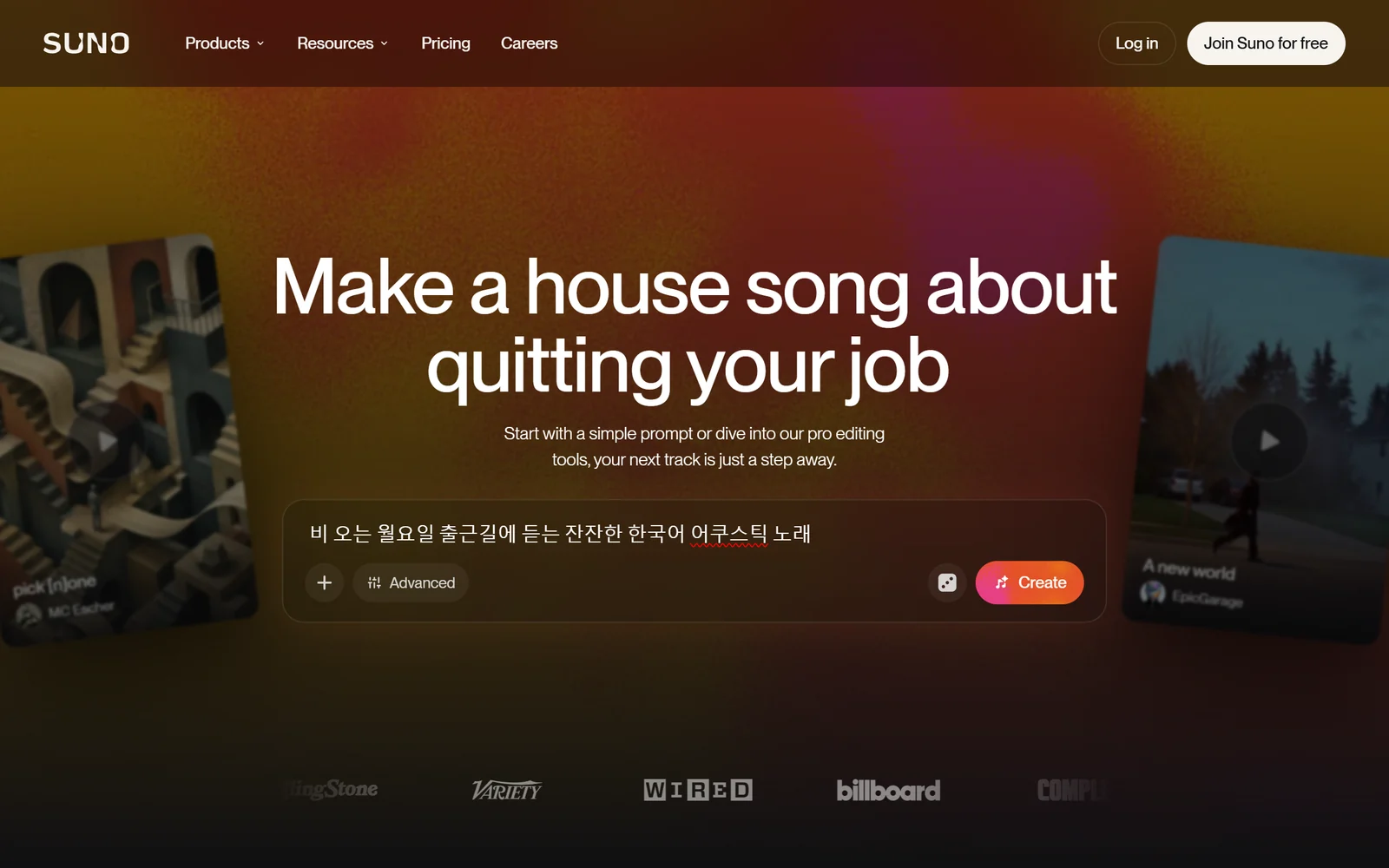
The home page has an input box in the middle, with Advanced and Create buttons below it. The large headline rotates through example sentences. At the time, it read "Make a house song about quitting your job."
The description typed into the box was "a calm Korean-language acoustic song for a rainy Monday commute." It was entered in Korean.
After pressing Create, the screen changed to "Your songs are ready" within 6 seconds. Two song cards appeared, with a "Join Suno for free to listen" button underneath. Listening requires an account.
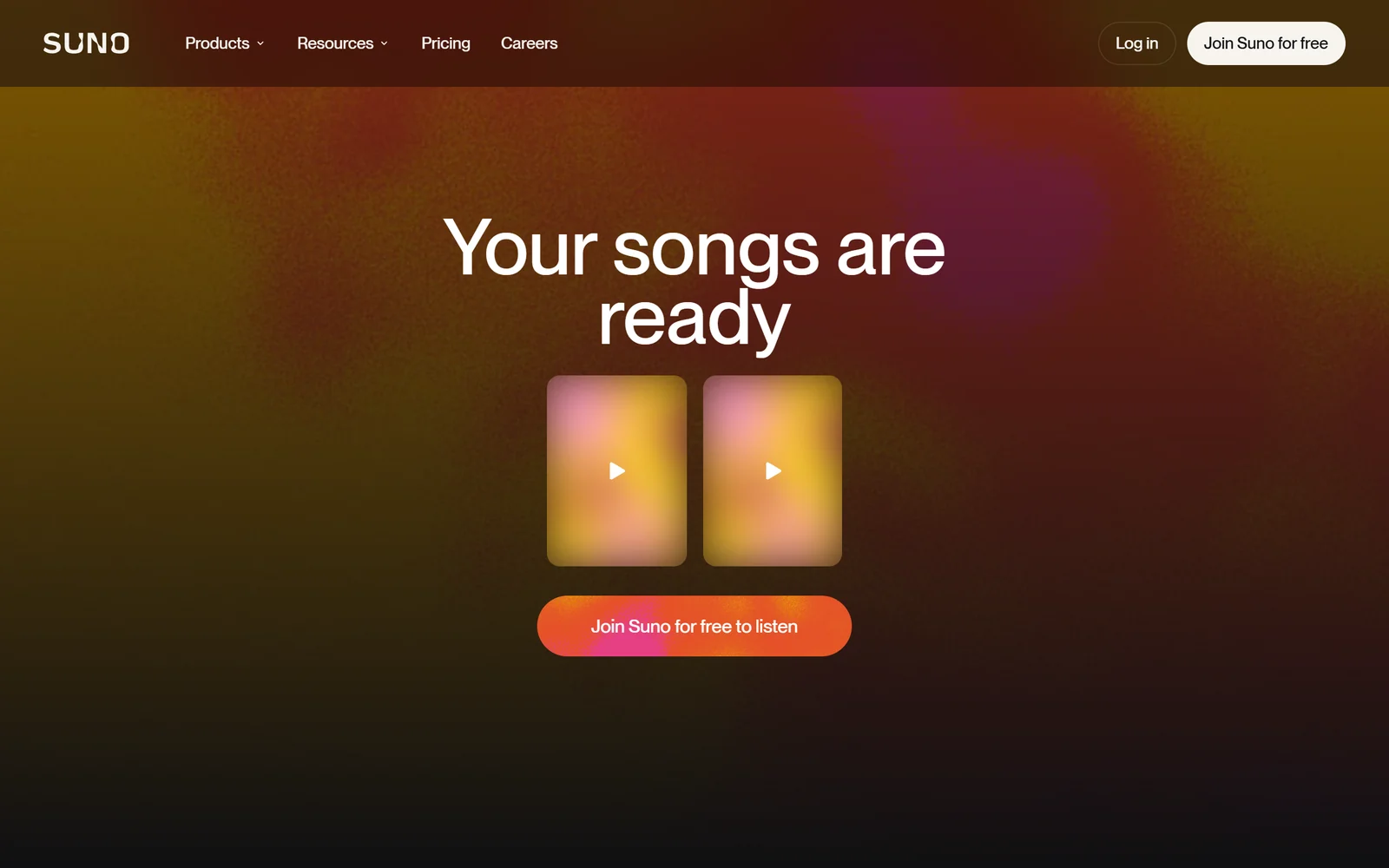
No account was created, so the songs were not played. The sign-up screen offers Google, Apple, Discord, Facebook, Microsoft, or a phone number.
What it costs
These are the prices on the official pricing page as of November 2, 2026. The page was opened from Korea, so it shows Korean won (KRW), and the figures below are not converted to dollars. The page opens with yearly billing selected. Each paid card says tax is calculated at checkout.
| Plan | Monthly | Per month, billed yearly |
|---|---|---|
| Free | ₩0 | ₩0 |
| Pro | ₩15,000 | ₩12,000 |
| Premier | ₩45,000 | ₩36,000 |
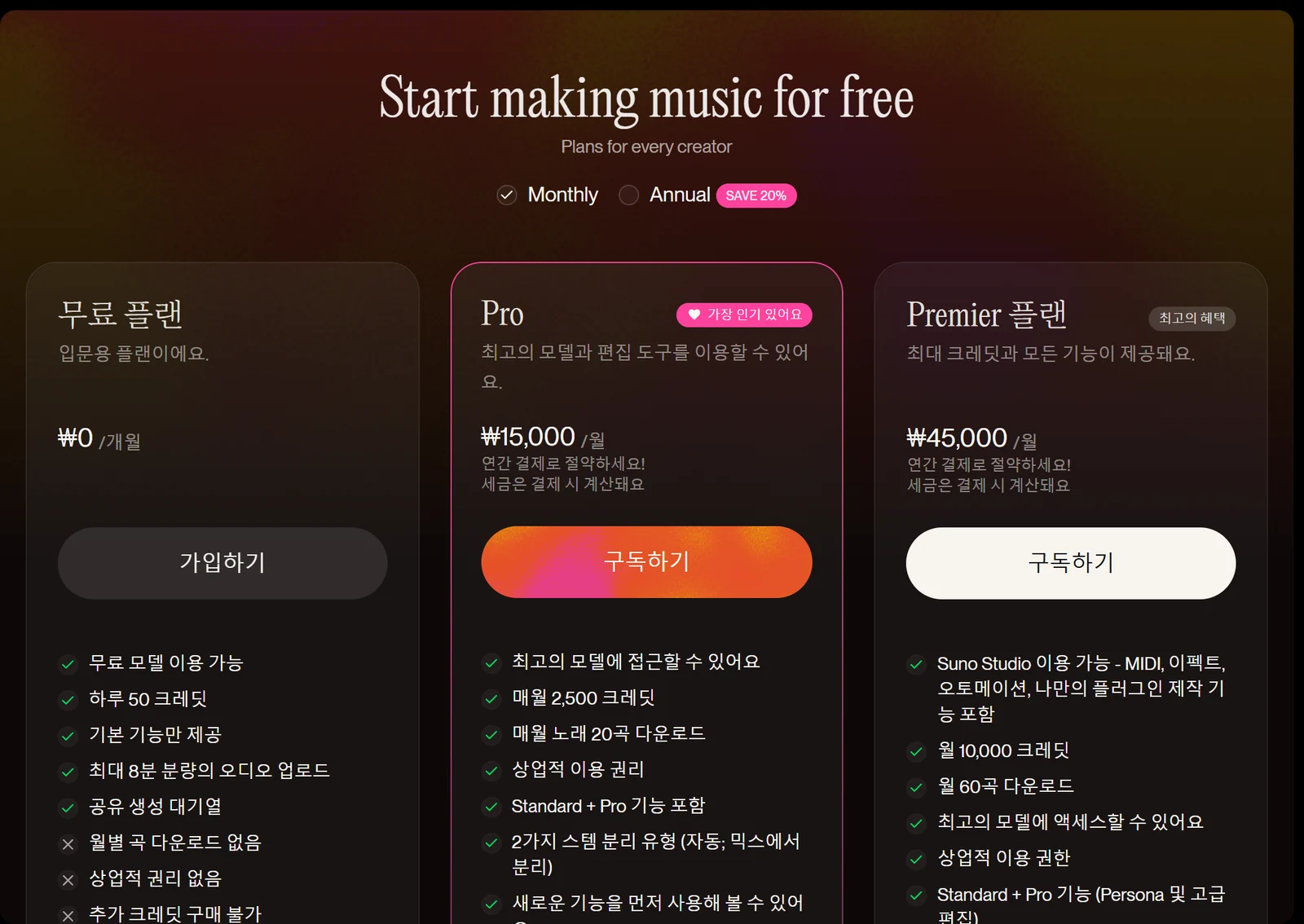
Each card shows what yearly billing saves: ₩36,000 a year on Pro and ₩108,000 on Premier. The yearly toggle carries a "SAVE 20%" tag.
Here is what each card lists.
- Free: 50 credits a day, the free model (v6-mini), and audio uploads of up to 8 minutes. The card marks no monthly song downloads, no commercial rights, no extra credit purchases, and no stem separation.
- Pro: 2,500 credits a month, 20 song downloads a month, commercial use rights, 2 types of stem separation, a priority queue, recording your own voice to create with, custom models, and the option to buy extra credits and downloads.
- Premier: 10,000 credits a month, 60 song downloads a month, 3 types of stem separation, audio uploads of up to 30 minutes, adding new vocals or instruments to an existing song, and Suno Studio, which includes MIDI, effects, and automation. In the comparison table on the same page, Pro also allows 30-minute uploads.
The home page also states plan limits in songs: up to 10 songs a day on Free, 500 songs a month on Pro, and 2,000 songs a month on Premier. Credits included in a subscription are refilled daily or monthly, and unused ones don't carry over. A note at the bottom of the pricing page says top-up credits bought separately don't expire, but need an active subscription to use. Free credits refill once a day, on UTC time. Paid plans refill once a month, counted from the time of payment, and yearly plans refill monthly too. After the monthly credits run out, the same 50 daily credits as the free plan apply.
Songs made and songs downloaded are counted separately
The two numbers are different. Pro can make 500 songs a month but download only 20. Premier can make 2,000 and download 60. The help page says work inside Suno Studio is not subject to download limits.
Downloads matter because commercial use is tied to them. The terms define commercially usable output as a song obtained through a permitted download, within the download allocation of the subscription tier. A song obtained by another route, such as recording, can't be used commercially. Monthly downloads don't roll over to the next month, but downloads bought separately do.
Free and paid songs can be used differently
The terms below are the version in effect from September 3, 2026. The terms limit songs from the free plan to personal, non-commercial use. The help page says free songs cannot be monetized but can be shared with a Suno link. Trial downloads that free users who joined on or after September 3, 2026 may occasionally receive are not eligible for commercial use either.
A Spotify-related help page says a song made on the free plan gets no retroactive license when a subscription starts later. The paid help page says songs downloaded while subscribed are granted commercial use rights, and lists monetizing, distributing to streaming platforms, and using songs in film, TV, or video games as examples. According to the terms, rights to songs already downloaded are not affected if the subscription ends or is canceled.
Two points need separate attention. First, a remix of another user's song is jointly owned under the terms, and only non-commercial use is allowed on any plan. Second, commercial use rights do not guarantee copyright protection. The help page says copyright qualification and protection are decided by each country's copyright office, not by Suno, and the terms say Suno makes no representation that any copyright will vest in the output, given the nature of machine learning. The Spotify help page also says that to monetize a song with someone else's lyrics, you must hold 100% of the rights to that material.
Where to stop before paying
The free plan covers making songs within 50 credits a day and sharing them by Suno link. Whether the sound is good enough can be settled by signing up and listening for free.
The decision to pay comes down to how many songs you need to download, not how many you can make. If there is no plan to monetize songs, distribute them to streaming platforms, or use them in film or games, check whether free is enough first. If there is such a plan, Pro is the starting point. If more than 20 songs a month are needed, either buy extra downloads on Pro or look at Premier's 60. Choosing by the 500-songs figure alone misses the download limit.
Besides the 60 downloads, Premier adds Suno Studio and the option to add vocals or instruments. Those editing tools are for people who need them.
Getting more out of it
Make songs freely, then download only the ones worth keeping. Making a song costs credits and downloading one costs a download, so downloading only the favorites stretches the monthly 20.
For songs meant for commercial use, make and download them while subscribed. The help page grants rights to songs downloaded during a subscription, and says songs made for free do not gain them retroactively.
The feature that sings in your own voice is limited to your own recorded voice, and the terms prohibit building a voice model from someone else's voice. Making multiple accounts to get more free benefits is also prohibited. The terms also have users grant Suno a license to use uploaded material and output to improve the service and its AI models. The minimum age is 13.
To cancel, use Cancel Subscription at suno.com/account, or go through the App Store or Google Play if you paid through an app. Access continues until the paid period ends. Under the terms, payments are final and non-refundable unless Suno decides otherwise, and the help page says cases such as accidental charges are judged individually.
Prices and terms can change, so check the pricing page and the terms again before paying.
Sources (checked November 2, 2026)
- Suno: home page, input box, and Create screen
- Suno pricing: prices, plan features, comparison table
- Suno help center: credits, downloads, commercial use rights, cancellation
- Suno terms of service: rights to output, commercial use conditions, remixes